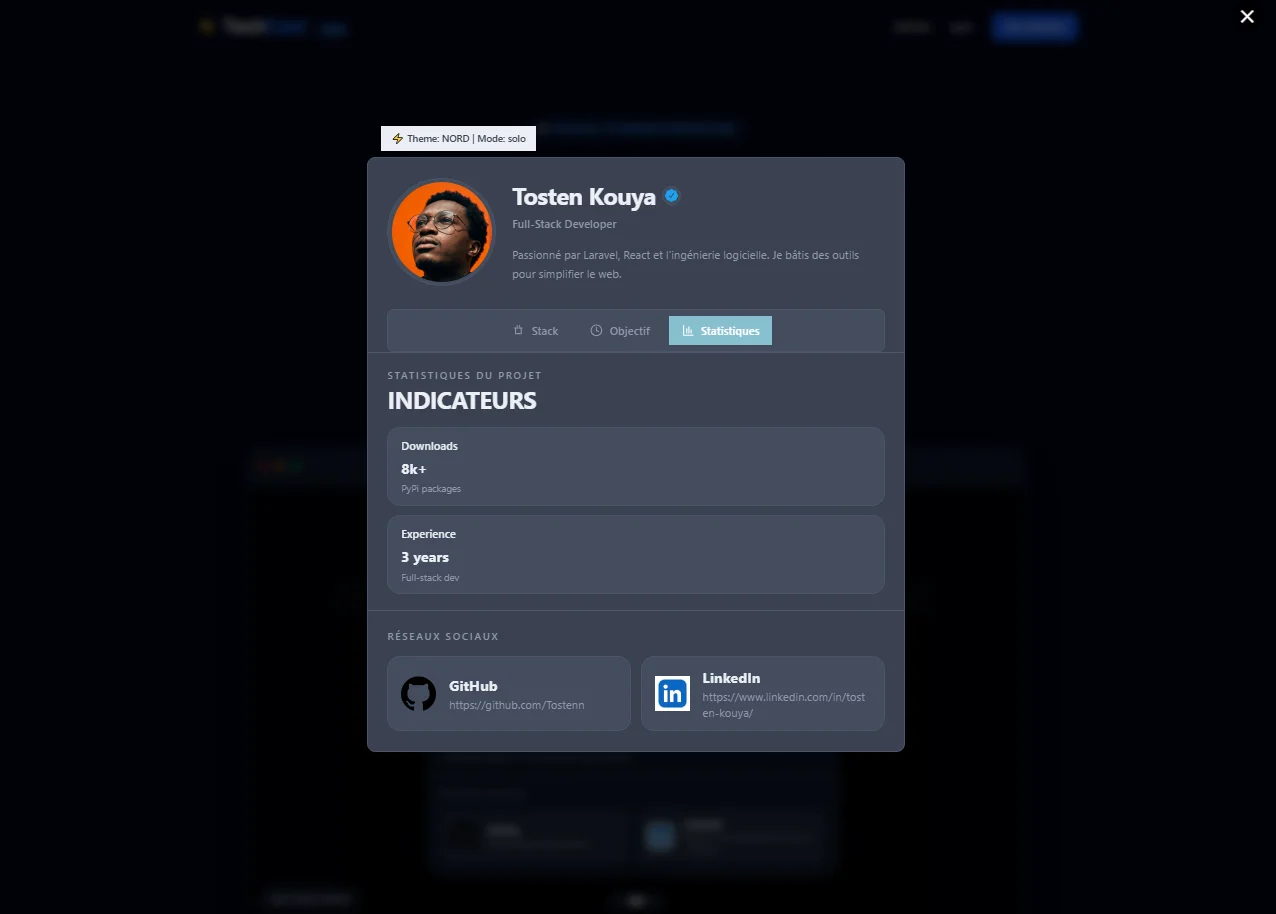
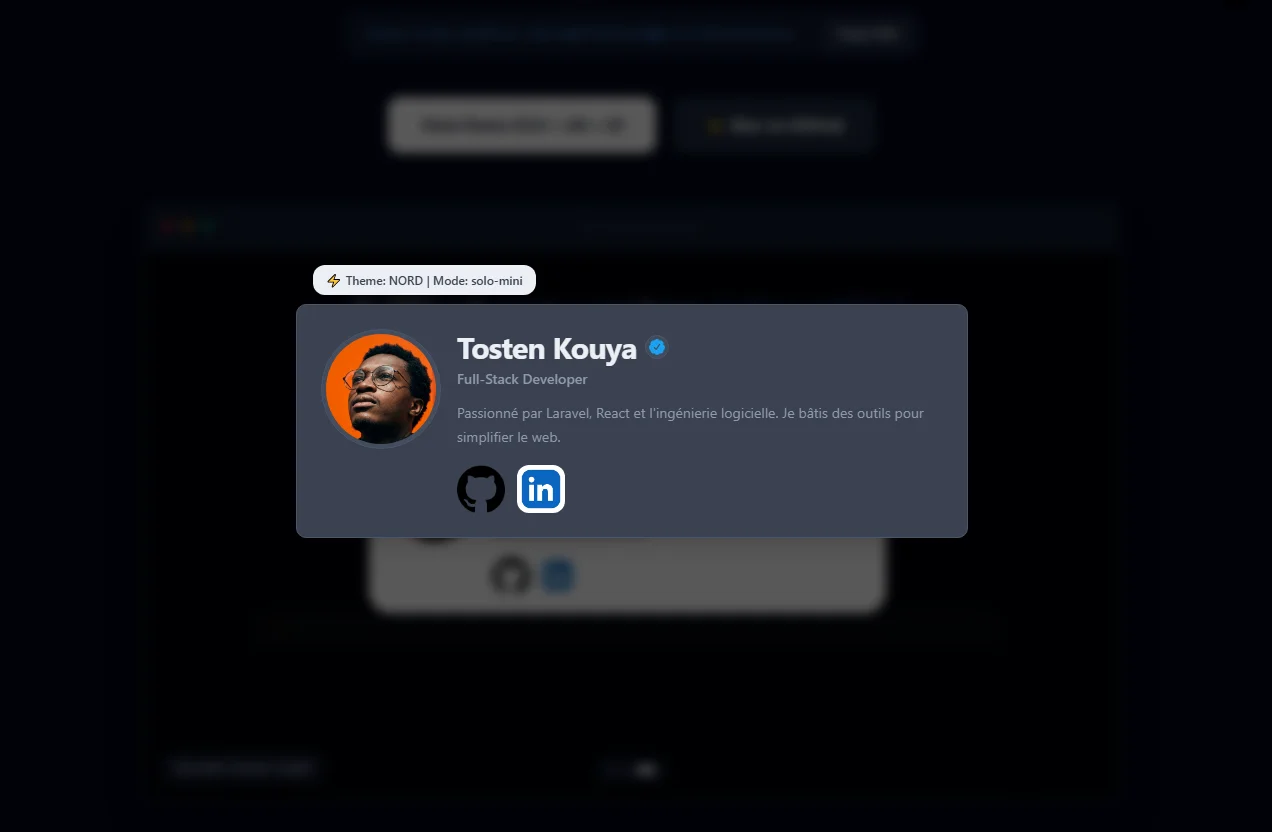
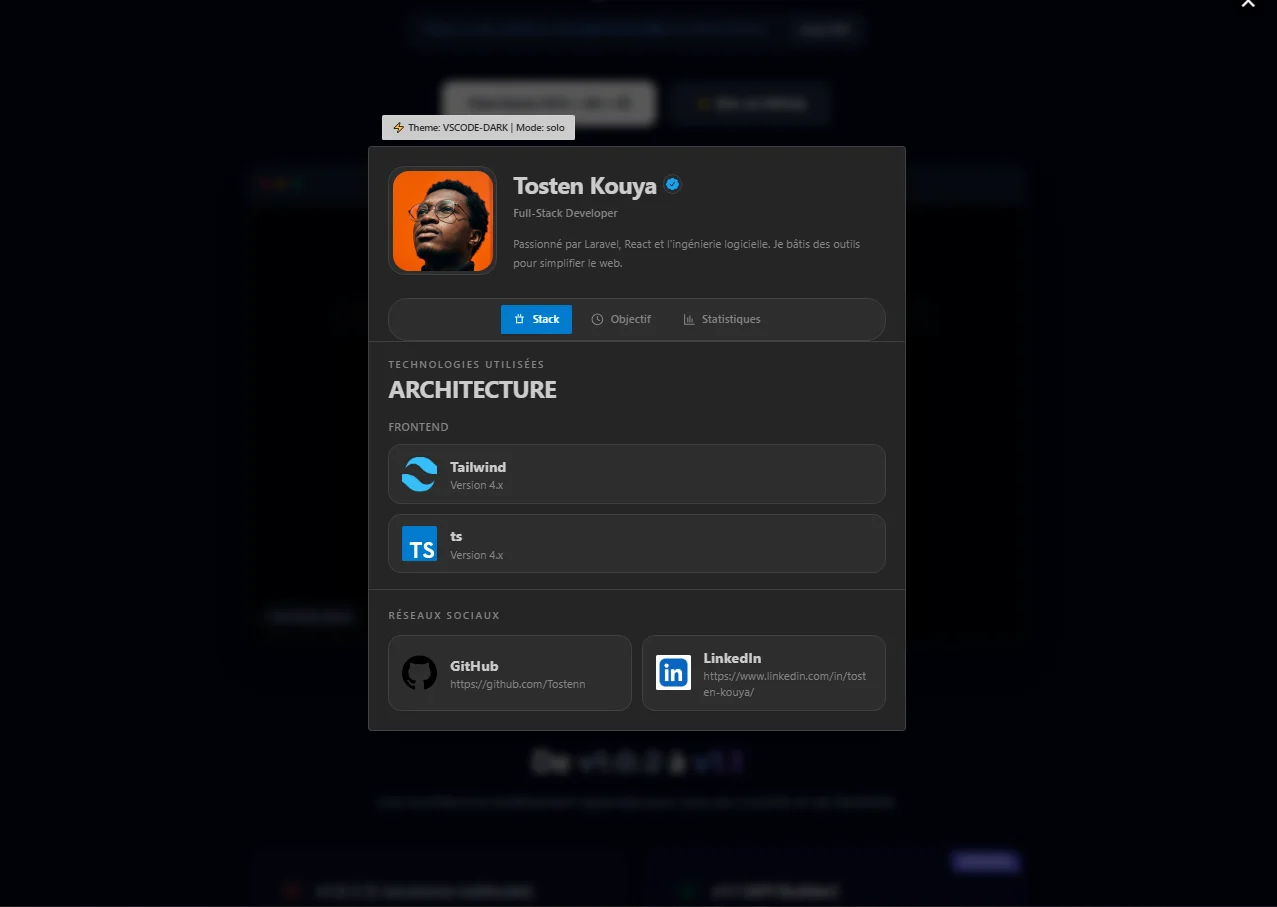
Live demo · Press Ctrl + Alt + D

A developer profile card you can embed anywhere.

TechCard is a small, isolated widget that shows your name, role, stack, and links on any website with one script. It works for portfolios, products, and personal pages.

One script to add Shadow DOM isolation Press Ctrl + Alt + D
CDN
https://cdn.jsdelivr.net/npm/techcard@1.1.0/dist/techcard.js
View source
What it is

An embeddable profile card for developers, with a clean layout and a simple API.

Why it helps

Visitors understand who you are, what you build, and where to find you without extra explanation.

How it works

Add one script, set your data, choose a theme, and open the card.

STABLE TECHCARD_ENGINE_V1.1

What changed in v1.1

The update keeps the same goal, but makes the API easier to read, easier to extend, and easier to trust.

v1.0.2 (The old method)

  • • A large configuration object that is harder to scan.
  • • Limited theme presets.
  • • No validation step before rendering.
  • • Updates were less practical in real time.
NEW

v1.1 (Builder API)

  • Simple chaining: Configure the card step by step with readable methods (.setUser()).
  • Custom themes: Adjust colors and shape with CSS variables.
  • Validation: .build() checks the data before render.
  • Live updates: Use .rebuild() when the data or theme changes.
Open the Live Editor

Custom themes

Start from a preset or override the variables you need with setTheme(). The result stays consistent with your site.

vscode-dark.js
myCard.setTheme("vscode-dark", {
  "bg": "30 30 30",            // #1e1e1e
  "surface": "37 37 38",       // #252526
  "surface-2": "45 45 45",
  "border": "64 64 64",

  "text-primary": "204 204 204",
  "text-muted": "133 133 133",

  "accent": "0 122 204",       // #007acc
  "success": "106 176 120",

  "radius-card": "4px",        // Look IDE
  "radius-btn": "2px",
  "shadow-card": "0 10px 30px rgba(0,0,0,0.5)"
});
dracula-theme.js
myCard.setTheme("dracula", {
  "bg": "40 42 54",            // #282a36
  "surface": "68 71 90",       // #44475a
  "surface-2": "98 114 164",
  "border": "98 114 164",

  "text-primary": "248 248 242", // #f8f8f2
  "text-muted": "98 114 164",

  "accent": "255 121 198",     // Pink #ff79c6
  "success": "80 250 123",     // Green #50fa7b

  "radius-card": "24px",       // Look moderne arrondi
  "radius-btn": "12px",
  "overlay-bg": "40 42 54 /0.9"
});
Browse all themes →

Built for developers

The Builder pattern keeps the setup readable, the code organized, and the final output predictable.

const myCard = new TechCard();

myCard
  .setCard("solo")
  .setUser({
    name: "Tosten Kouya",
    role: "Full-Stack Developer"
  })
  .setContent({
    projectGoal: "Simplifying the web, one component at a time."
  })
  .build(); // Strict data validation before rendering

// Update the theme or content, then rebuild.
myCard.setTheme("dark").rebuild().open();
Read the API documentation

Why TechCard exists

TechCard is designed to bridge the gap between a developer's work and their professional identity.

🖋️

Your signature

Add a small, polished signature to the projects you ship.

🛠️

Clear information

Let visitors see who built the page and what tools were used.

Easy to reach

Make your profile and social links available without extra steps.

Icon mapping & contribution

TechCard maps strings like "github" or "react" to the right icons so the config stays simple. Missing a stack or social network? Add it through a pull request.

How the mapping works

// src/utils/icons.ts const SOCIAL_KEY_MAP: Record<string, string> = { "facebook": "fb", "fb": "fb", "linkedin": "in", "in": "in", "github": "github", "git": "github" }; /* Same for TECH_ICONS ("react", "laravel", etc.) */

How to contribute

  1. 1. Fork the repository & clone it locally.
  2. 2. Create a branch: git checkout -b feat/add-vue-icon
  3. 3. Add your image URL to src/utils/icons.ts in SOCIAL_ICONS or TECH_ICONS.
  4. 4. Push and open a Pull Request!

Why v1.1?

More than a simple update, v1.1 transforms TechCard into a truly infinitely customizable digital identity engine.

  • Fluent API (Builder): Configure your card step by step with an intuitive and robust method chain.
  • Dynamic Themes: Inject your own CSS variables to create unique themes (VS Code, Dracula, Tokyo Night...).
  • Strict Validation: The new .build() system guarantees your data integrity before every render.
  • Live Rebuild: Update content or style in real time without reloading the page or corrupting the DOM.

"With v1.1, my goal was to give developers full control. You are no longer just using a component, you are building an experience that truly reflects you."

Tosten Kouya

Tosten Kouya

Full-Stack Developer & Creator

Community Driven

Open Source & Collaborative

Help us shape the future of developer networking. Whether it is fixing a bug, proposing a feature, or improving documentation, your contribution is key.

MIT License
100% Open Source